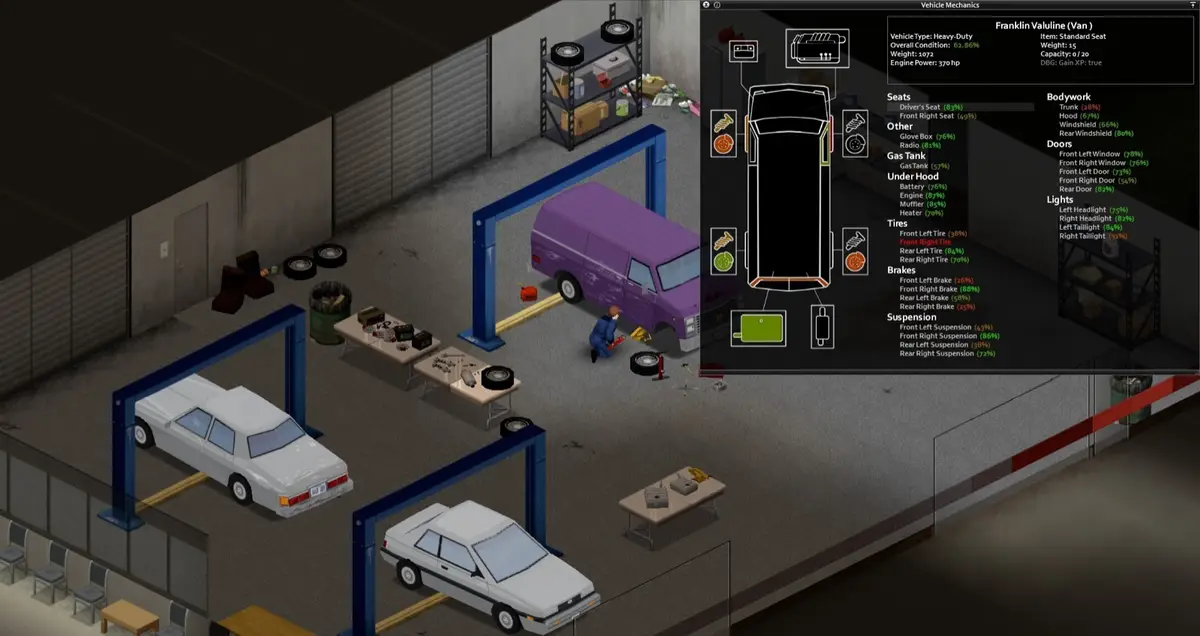
“Lag with high amounts of zombies” is one recurring shape of question on the Steam forums, and the typical reply is a grab-bag: check your zombie count, check your mods, check your RAM. All true, none ordered. If you don’t know which to check first, you end up re-testing the same three things across three different sessions because nothing tracked what you’d already ruled out.
Work through it once
Server lag checklist
0 / 6 checked-
PopulationMultiplier and the RespawnHours/RespawnMultiplier sandbox vars set zombie simulation load directly (PZwiki, Server settings). A value tuned for 1–2 players keeps simulating that many zombies at 6+, because pathing cost scales with active zombie count, not with player count — check this first because it costs nothing but reading a number you already have.
-
RespawnUnseenHours controls how long a map chunk must go unseen before zombies respawn in it, and RedistributeHours controls migration into empty parts of a cell (PZwiki, Server settings). Players scattered across the map keep more chunks "seen" at once than a tight base-camp game at the same player count, so the same values produce different simulation loads.
-
Defaults are tuned for singleplayer. A dedicated server with SaveWorldEveryMinutes left at a short interval, or loot respawn left on, is simulating and saving more than the map view suggests.
-
Binary-search removal (half, then half again) finds a bad mod in log2(n) tests instead of n. It is the most time-consuming item here, which is why it is checked after the settings above rather than first.
-
The dedicated server sets memory via -Xms/-Xmx flags in its startup script (16GB by default) rather than inheriting the host box's total RAM automatically (PZwiki, Dedicated server) — rental host plan pages advertise the box total, not what the Java process was actually launched with.
-
SaveWorldEveryMinutes forces a save of loaded map parts on a timer instead of only when players leave an area, and BackupsPeriod runs on top of that (PZwiki, Server settings). A short interval on a server with a wide loaded area turns into a recurring, predictable stutter rather than steady lag — check it last because it is easiest to rule out just by watching whether the lag lines up with the save timer.
Saved in your browser only (localStorage), tied to this device. Nothing is sent anywhere.
The order below is deliberate, but it is a verification-cost order, not a measured cause-frequency ranking — we don’t have server logs or a reproduction rig to say how often each item turns out to be the actual cause on a given server. Your progress is saved in this browser so you can leave and come back mid-diagnosis.
Why this order, specifically
Zombie population and the chunk-respawn settings come first because they scale with simulation load, which grows independently of how good your host is — a server on excellent hardware with population and respawn settings tuned for two players will still lag at six, and no amount of RAM fixes that. Both are also a single number you can read off your own config in seconds, which is why they come before anything that takes real setup to check. Mod auditing sits before the hardware and save-interval checks because it needs its own multi-session process (the binary search below), so it’s worth ruling out the free reads first. RAM allocation and the save-timer check come last not because they matter less, but because each requires watching the server over time (a stutter that repeats on a timer, or a launch flag you have to go open the startup script to confirm) rather than reading one value.
The binary-search step, worth calling out on its own
“Half the mods” is not the same as “half of the mods, tested”. If you have twenty mods and suspect one is causing lag, remove ten, test, then remove or restore five of whichever half is still slow, and repeat. That’s roughly five tests to isolate one bad mod out of twenty, against up to nineteen tests if you remove them one at a time from the start — the difference between a single evening and a multi-day process for the same twenty mods.
What this checklist won’t tell you
It won’t give you a target zombie population number or a target RAM allocation, because both depend on your player count, your map coverage, and your mod list in ways a single number can’t capture honestly. What it gives you is the order to check things in and why — the numbers themselves are yours to set and observe.
Sources
- Server settings — PZwiki — read in full 13 September 2026. Confirms the sandbox and server config files (
servertest.ini,servertest_SandboxVars.lua) and specific fields used above:PopulationMultiplier/RespawnHours/RespawnMultiplier,RespawnUnseenHours/RedistributeHours, andSaveWorldEveryMinutes/BackupsPeriod. - Dedicated server — PZwiki — read in full 13 September 2026. Confirms the dedicated server sets memory via
-Xms/-Xmxflags in its startup script, defaulting to 16GB, separate from the host box’s total RAM. - Startup parameters — PZwiki — read in full 13 September 2026. Checked for a documented tick-rate or player-to-thread launch flag; none exists, which is why that item was replaced with the documented
SaveWorldEveryMinutesbehavior instead. - Lag with high amounts of zombies — Steam Community discussions — friction evidence that players connect zombie population directly to lag, and the source for the recurring-question framing in the opening paragraph.